Go Back
Year Planning Templates: Start Your Year Without a Blank Calendar
A blank year is hard to start. Year planning templates give you a proven structure to adapt in minutes, for work, training, family, and projects.


A blank year is intimidating. Twelve empty months, fifty-two weeks, hundreds of open days, and a quiet expectation that you should somehow know what to put in them. So you open your planner with good intentions, look at all that emptiness, and close it again.
If yearly planning has never quite stuck for you, this is usually why. The problem is rarely motivation or discipline. It's the blank page. And the fastest way around it is a year planning template, a ready-made structure you can adapt to your own year in minutes instead of building everything from scratch.
This guide explains what year planning templates are, the different types worth knowing, and how to use one to actually finish planning your year.
Why a Blank Calendar Stops You From Planning
Most planning tools assume you already know what your year looks like. They hand you an empty grid and wait.
But a year is too big to design from a standing start. When you try to plan twelve months at once on a blank canvas, you face every decision simultaneously, work phases, holidays, recurring routines, deadlines, personal goals, with nothing to react to. That cognitive load is exactly what makes people abandon yearly planning after a few minutes.
A template flips the problem. Instead of inventing structure, you react to one. You start from a sensible layout that someone has already thought through, then change what doesn't fit. Adapting is far easier than creating, and it gets you to a usable plan in one sitting.
What Is a Year Planning Template?
A year planning template is a pre-built yearly plan with a proven structure already in place, typical phases, recurring blocks, and key milestones laid out across the months. You import it, then customize it to match your real life: rename, recolor, move, add, and remove until it's yours.
Think of it as a starting draft for your year rather than a fixed form. The template gives you the scaffolding; you supply the specifics.
A good template does two things at once. It removes the blank-page paralysis, and it shows you what thoughtful planning in your situation actually looks like — which is often the part people are missing.
Types of Year Planning Templates
The best template depends on what you're trying to organize. A few of the most useful types:
Content and editorial calendars. For creators, marketers, and small teams. A year laid out by campaigns, publishing rhythm, seasonal pushes, and quiet periods, so you can see at a glance whether your output is evenly spread or bunched into a few frantic months.
Training and personal routines. For anyone working toward something physical, a marathon, a season, a habit. The year is structured into build phases, peak periods, recovery, and key dates, so progress has a visible shape instead of being a vague intention.
Family year plans. Holidays, school breaks, trips, birthdays, and the standing commitments that fill a household calendar. Seeing the whole family year at once makes it obvious where time is already spoken for and where there's still room.
Project and product roadmaps. For solo professionals and small studios. Phases, milestones, launches, and dependencies spread across the months, giving a long-range view that day-and-week tools can't show.
School and academic years. Terms, exam periods, deadlines, and breaks. A clear academic-year structure helps students and educators pace work across months instead of lurching between deadlines.
Club and non-profit years. Seasons, events, fundraising periods, member activities, and recurring meetings, a shared yearly structure an organization can plan around and, if needed, publish for everyone to see.
You don't have to find the perfect match. Pick the closest one and reshape it. That's the point of starting from a template.
How to Use a Year Planning Template
Turning a template into your own plan takes four steps.
1. Pick the closest structure. Choose the template nearest to what you're planning. Exact fit isn't the goal, a reasonable starting shape is.
2. Import it into your own plan. Bring the template into your own account so it's fully editable. From here, everything in it belongs to you.
3. Make it yours. Rename items to your real projects and events. Recolor categories so they map to your work, your family, your routines. Shift dates to your actual year. Delete what doesn't apply.
4. Refine over time. A year plan is never finished in one go. Adjust as plans change, that's a feature, not a failure. The template got you to a working draft; the rest is maintenance, which is far easier than creation.
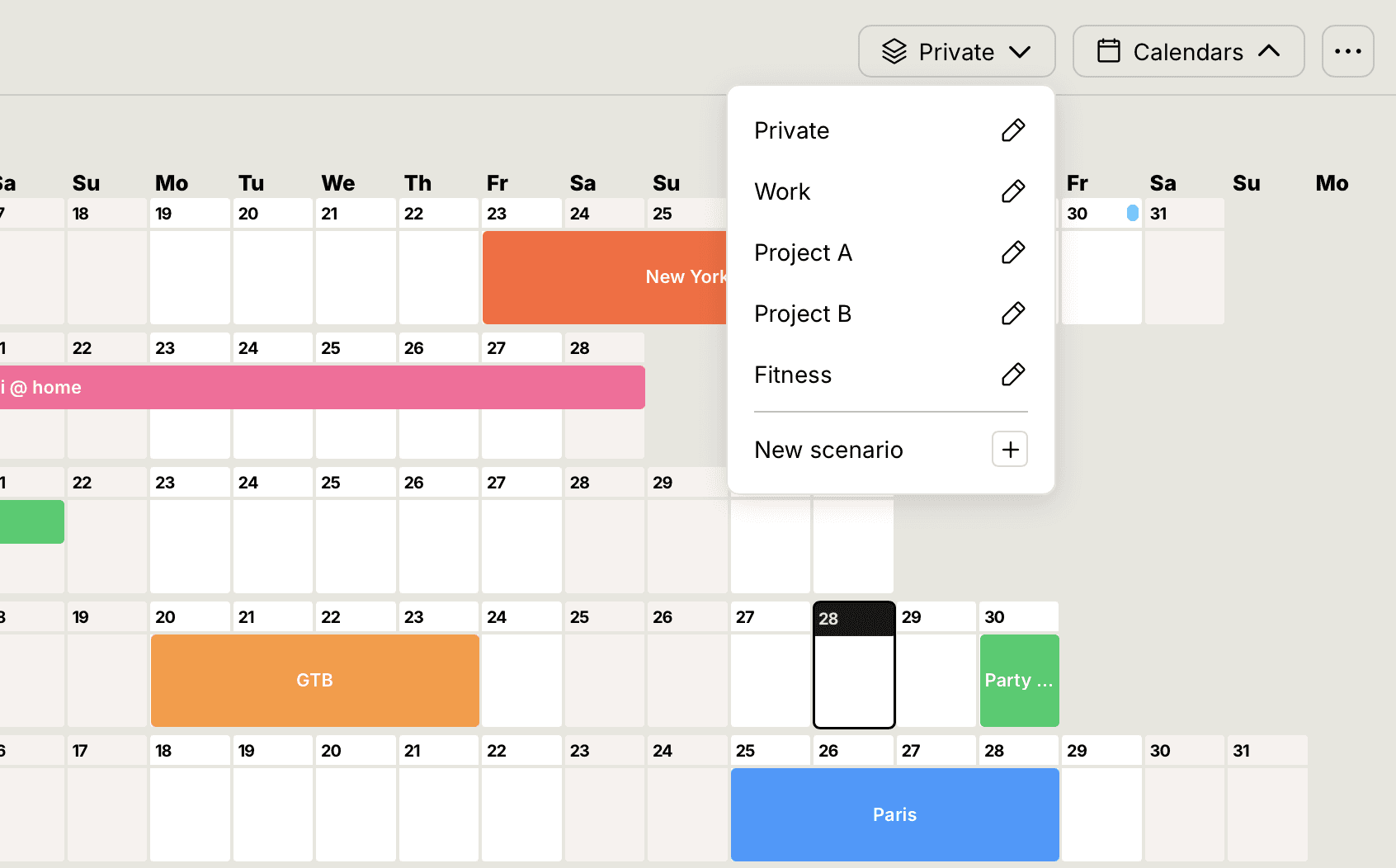
In a year-at-a-glance view, this whole process stays visual. You can see the shape of your year filling in as you adapt the template, which makes it obvious where things are crowded and where there's still space.
Why Templates Beat Starting From Scratch
There's a deeper reason templates work, and it's the same idea behind planning your year visually in the first place: structure first, detail later.
When you start from a blank calendar, you're forced to handle structure and detail at the same time, deciding both what kind of year this is and what goes in every slot. That's overwhelming. A template settles the structure for you, so your attention goes to the decisions that actually matter: your priorities, your timing, your trade-offs.
This is why templates aren't a shortcut for people who can't plan. They're how experienced planners move faster. They start from a known-good structure and spend their energy on judgment, not setup.
Frequently Asked Questions
What is a year planning template? A pre-built yearly plan with a proven structure already in place. You import it and customize the names, colors, dates, and items to fit your own year, so you're adapting a draft instead of starting from a blank calendar.
Are year planning templates only for work? No. Templates exist for work, but also for training, family life, studies, projects, and organizations. The right one simply depends on what you're trying to organize.
Can I change a template after importing it? Yes. A template is just a starting point. Once it's in your own plan, everything is fully editable — rename, recolor, move, add, and remove freely.
Do I have to find a template that matches my situation exactly? No. Pick the closest one and reshape it. Adapting an approximate structure is faster and easier than designing a year from nothing.
Start Your Year From a Template
The hardest part of planning a year is the first empty screen. A template removes it. You get a thoughtful structure to react to, and you spend your time on what's actually yours to decide.
👉 Browse the templates and start your year: annucal.com/templates