Go Back
The 12-Month View Explained: How Seeing Your Whole Year Changes the Way You Plan
A 12-month view shows your entire year on one screen. Learn what it is, why a yearly overview beats month-by-month planning, and how to use it.
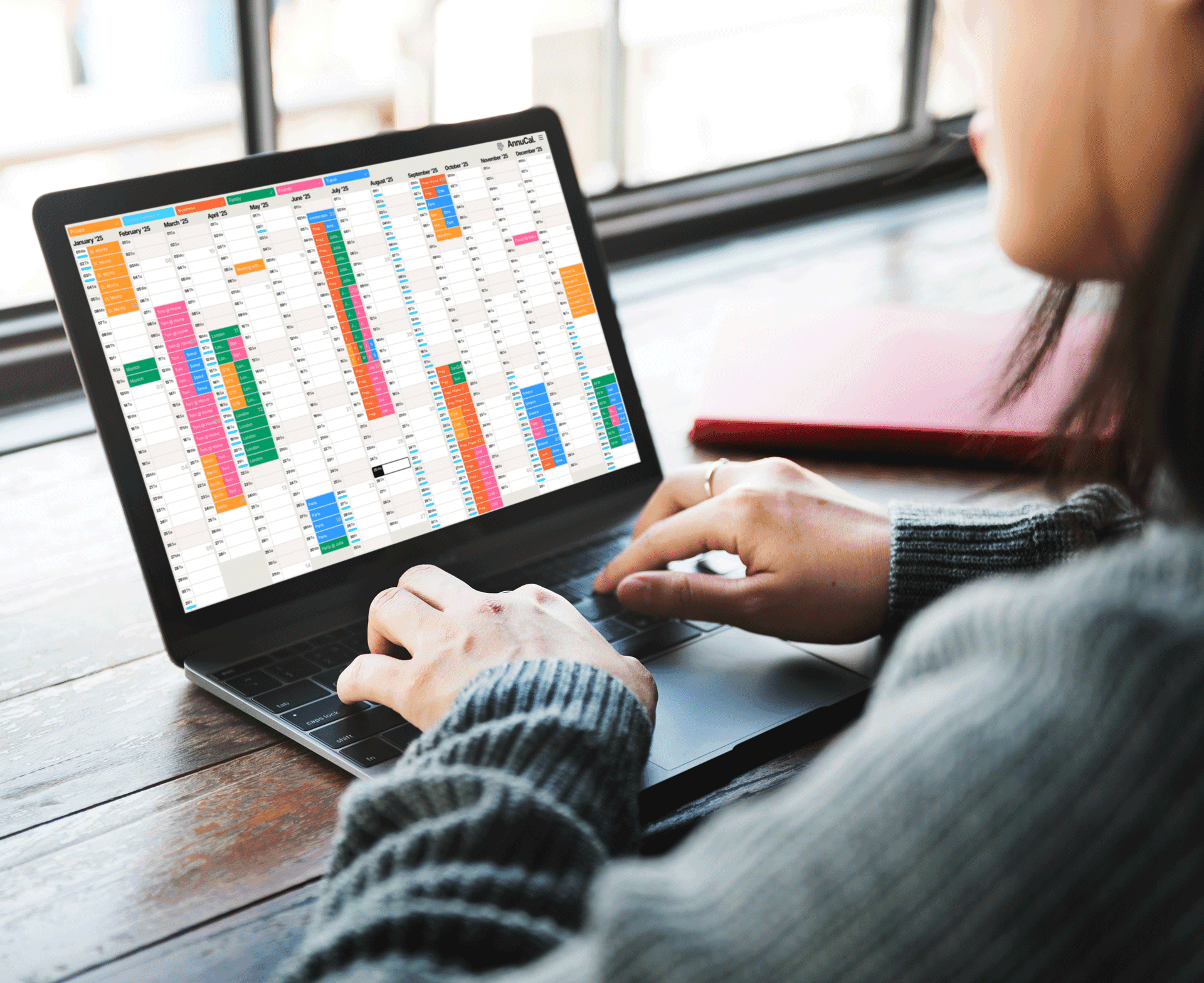
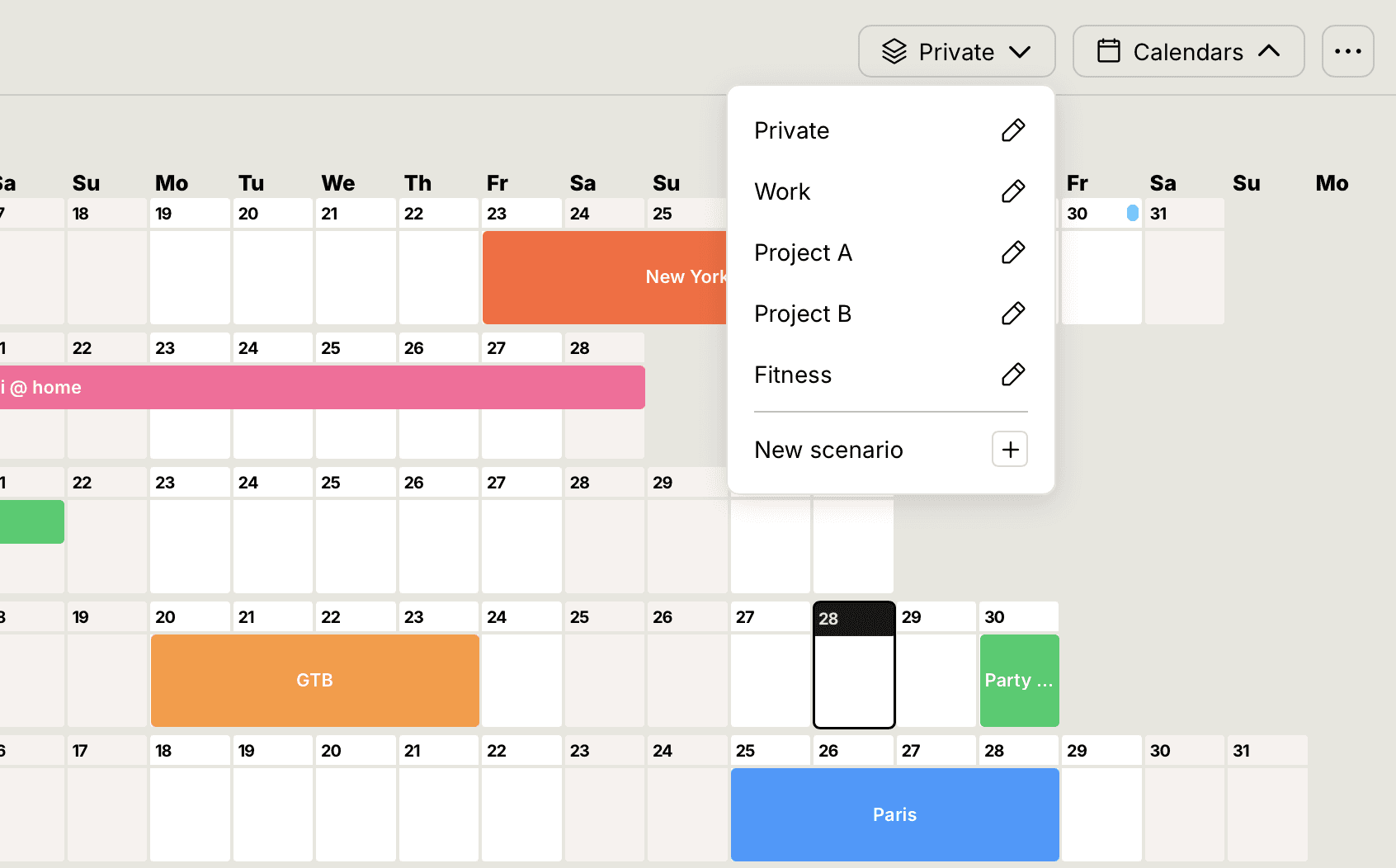
A 12-month view shows your entire year on a single screen, all twelve months, with vacations, projects, holidays, and free time laid out side by side. Instead of scrolling month by month, you see how the whole year fits together at a glance. That shift, from month-first to year-first, is what turns reactive scheduling into deliberate planning.
Most digital calendars focus on what's next: a week, a month, a short list of appointments. But real planning, for vacations, workload, goals, projects, and family life, needs something else: a sense of the entire year. So one question keeps coming up: why do so few calendar apps let you see and plan a full year at once?
AnnuCal was built around a different idea, time-first planning, helping you understand and shape an entire year before diving into the details.
1. What a True 12-Month View Actually Means
Imagine opening your planning app and instantly seeing, on a single screen:
All 12 months
Vacations and holidays
Project phases
High-stress periods
Free blocks
Personal goals
No switching between tabs. No endless scrolling. No clicking through months one by one. Just a clear picture of the year.
2. Why a Yearly Overview Immediately Improves Your Planning
2.1 You See Patterns That Monthly Views Hide
Weekly and monthly views are short-term by design. A 12-month view reveals what they can't:
Workload peaks
Ideal vacation windows
Overlaps between projects
Seasonal cycles
Natural rest periods
You finally see how everything fits together.
2.2 Perfect for Vacation and Holiday Planning
A yearly view makes time-off planning far easier. People use AnnuCal to:
Identify the best holiday timing
Optimize vacation days and bridge days
Avoid clashes with busy work periods
Plan long weekends months ahead
2.3 It Reduces Mental Load
There's a simple reason a yearly overview feels easier: when related information sits in one visual context, it's easier to compare and decide. A monthly calendar isolates events. A yearly overview connects them.
The result is better planning, faster decisions, and less stress.
2.4 Ideal for Freelancers, Teams, and Small Businesses
If you manage time, your own or your team's, a yearly perspective is essential. Business users consistently tell us the same things: they can finally see vacations and workload at the same time, project phases make visual sense, and busy seasons are easy to spot before they arrive.
3. Why Most Apps Don't Offer a 12-Month View
Here's the honest reason: most calendar apps are digital versions of the old paper monthly calendar. They were never designed for yearly planning.
Building a real yearly planning app is genuinely harder. You have to solve problems a monthly app never faces:
How do 365 days stay readable on one screen?
How do you display events clearly across months?
How do you keep the layout responsive on every screen size?
How do you keep interactions simple at that scale?
Most tools optimize for scheduling. AnnuCal optimizes for understanding time. (If you want the direct comparison, see AnnuCal vs. Google Calendar.)
4. How to Use a 12-Month View for Time-First Planning
4.1 Add Vacations and Free Days Early
Block them first so you can spot overlaps and ideal windows instantly.
4.2 Block Project Phases, Not Just Appointments
Visualize your Q1–Q4 cycles, launches, and deadlines as phases across the year.
4.3 Make Long-Term Goals Visible
Health, learning, finances, long-term goals need long-term visualization to stay on track.
4.4 Add Buffer Periods
Plan real downtime into the year on purpose, so busy seasons don't turn into burnout.
5. What Makes AnnuCal Different
Built for time-first planning - no scrolling, no clutter
A true 12-month overview - the whole year on one screen
Calm, clean design - a modern approach to long-term planning
Fast, intuitive interaction - one click to an event
One app for life and work - vacations, projects, seasons, and goals in one place
Many people start from a ready-made structure rather than a blank year, you can browse templates and adapt one to your own plan.
6. Frequently Asked Questions
What is a 12-month view? A 12-month view is a planning layout that shows all twelve months of the year on a single screen, with events displayed as visual blocks across the months. It lets you see the shape of your whole year at once instead of one month at a time.
Why is a yearly overview better than a monthly calendar? A monthly calendar isolates events into separate views, hiding how they relate. A yearly overview connects them, so you can see overlaps, dense periods, and free space across the entire year, which makes planning more deliberate and less reactive.
What can you plan with a 12-month view? Vacations and bridge days, project phases and deadlines, seasonal workload, recovery periods, and long-term personal goals, anything that only makes sense when you can see how it sits within the whole year.
Do any calendar apps show a full year? Most traditional calendar apps are built around the month and don't offer a readable full-year view. AnnuCal is designed specifically around the 12-month, year-first view.
7. Conclusion: The Future of Planning Is Visual, And It Starts With the Year
Monthly views create reactive planning. Yearly views create strategic planning.
AnnuCal's 12-month view helps you understand time before it fills up, so you can shape your year instead of reacting to it.
👉 Start planning with AnnuCal and see how yearly planning should feel.