Go Back
AnnuCal User Guide - How to Plan Your Year with the 12-Month View
Learn how to plan an entire year clearly with AnnuCal’s 12-month view - from first setup to building a calm, structured yearly overview for work and life.


What You’ll Learn in This Year Planning Guide
In this guide, you’ll learn how to plan an entire year clearly - not just manage individual dates.
You’ll discover how to:
Build a yearly structure first
Set up your personal or shared calendar by defining the big blocks of your year - vacations, projects, seasons, and focus periods.Add events with context, not clutter
Place milestones, deadlines, and important dates directly into a visual 12-month timeline.Include holidays and school breaks automatically
See public holidays, school vacations, and bridge days in context - without manual work.
Why AnnuCal Works Differently
AnnuCal isn’t designed for day-to-day scheduling.
It’s built for people who want to understand and shape their year before it fills up.
With AnnuCal, you get:
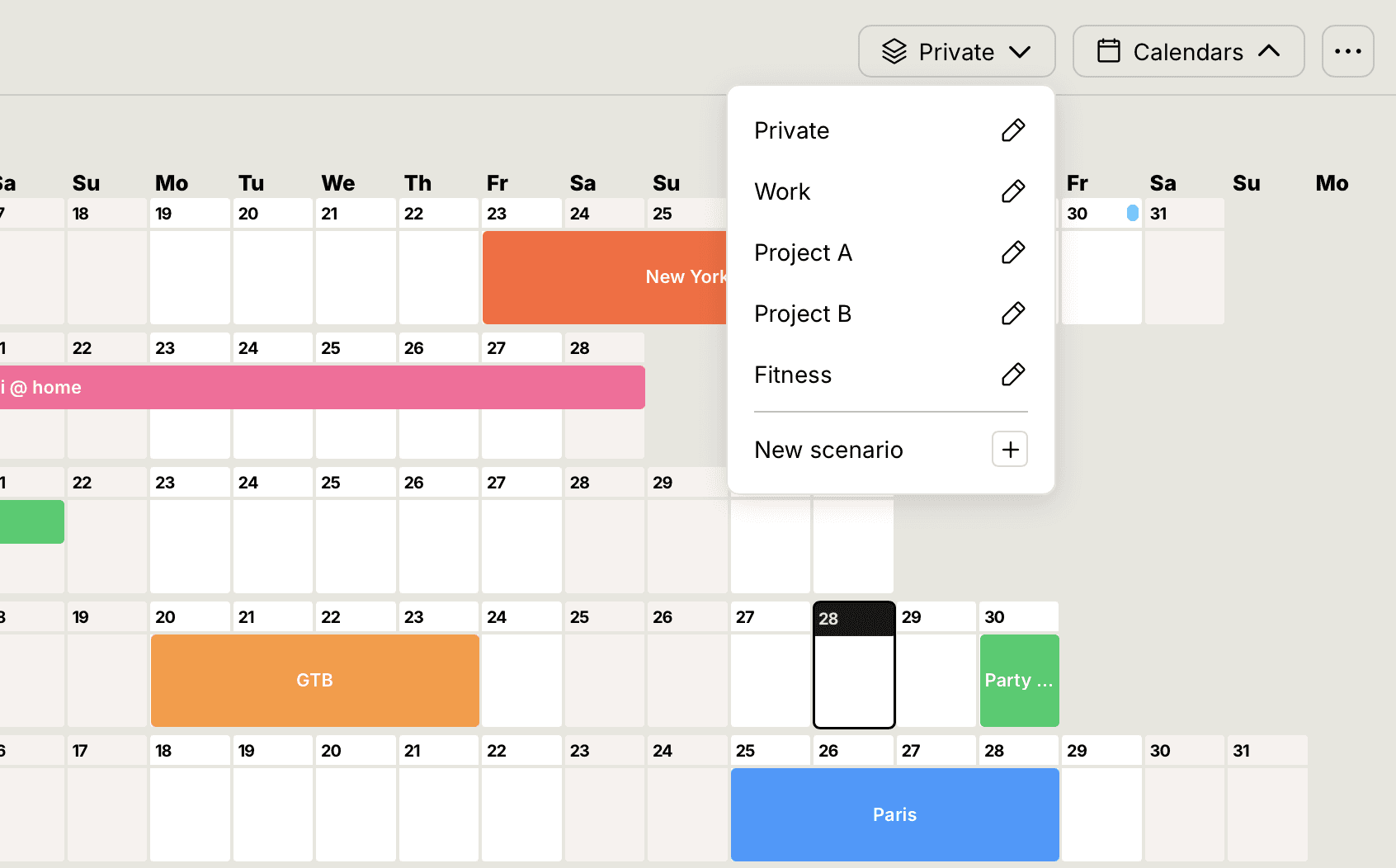
A true 12-month overview on a single screen
Drag-and-drop planning that keeps the big picture intact
Shared calendars for families, teams, and organizations
Automatic holiday and vacation data that fits naturally into your year
Instead of reacting to appointments, you plan proactively - with clarity and calm.
Conclusion
Getting started with yearly planning doesn’t have to be complicated - it just needs the right perspective.
AnnuCal brings everything together in one clear, visual timeline, so you can plan ahead with confidence instead of juggling months, weeks, and spreadsheets.
👉 Try AnnuCal free and see your year at a glance.
Start now → www.annucal.com