Your Calendars and Your AI, Connected to Your Year
AnnuCal connects to Google Calendar, Outlook and Apple iCloud in both directions, to any calendar with a link, and to Claude, ChatGPT, n8n and Make.
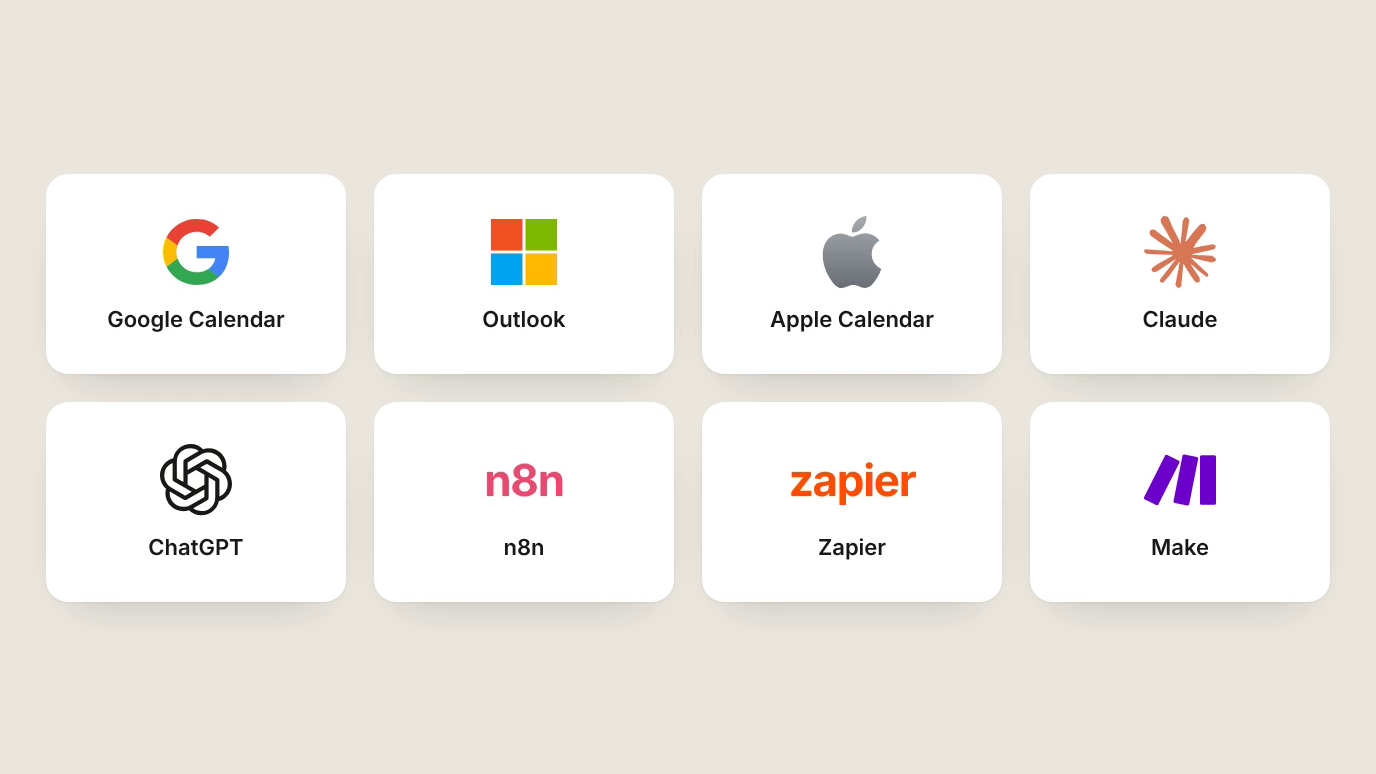
AnnuCal connects to the calendars and assistants you already use: Google Calendar, Outlook and Apple iCloud in both directions, any calendar with a subscription link, and Claude, ChatGPT, n8n and Make. Your year fills from what is already there, and what you plan in AnnuCal goes back to the calendar you open every day. There is no second calendar to keep.
This guide explains what each connection does, how you set it up and what is included in Free and Pro.
A year planner next to your calendar, not instead of it
Your day calendar is good at appointments: the call at ten, the dentist on Thursday. It is not built to show you September. A year plan is: twelve months on one screen, every trip, project phase and school break a bar across its days.
Until now the two lived apart, and whatever mattered in both had to be typed twice. With the connections they are one set of dates. The week in Lisbon you enter in AnnuCal is in your Google Calendar a moment later. The conference your colleague puts into Outlook appears in your year without you doing anything. How the two views differ is covered in AnnuCal and Google Calendar.
Google Calendar, Outlook and Apple iCloud, both ways
All three work the same way. You click the plus next to your calendar tabs, choose the calendar service and sign in. Then you pick which of your calendars go into your year. Each becomes a tab of its own, in its own colour, like the calendars you create in AnnuCal.
- Google Calendar: sign in with Google and allow access. Step by step
- Outlook: sign in with Microsoft, with a personal or a work account. Step by step
- Apple iCloud: Apple works with a password that you create only for AnnuCal. Step by step
You sign in once per account. If you keep several scenarios, you choose in each one which calendars appear. AnnuCal reads and writes only the calendars you pick, and you can disconnect at any time.
Calendars by link, bookings by file
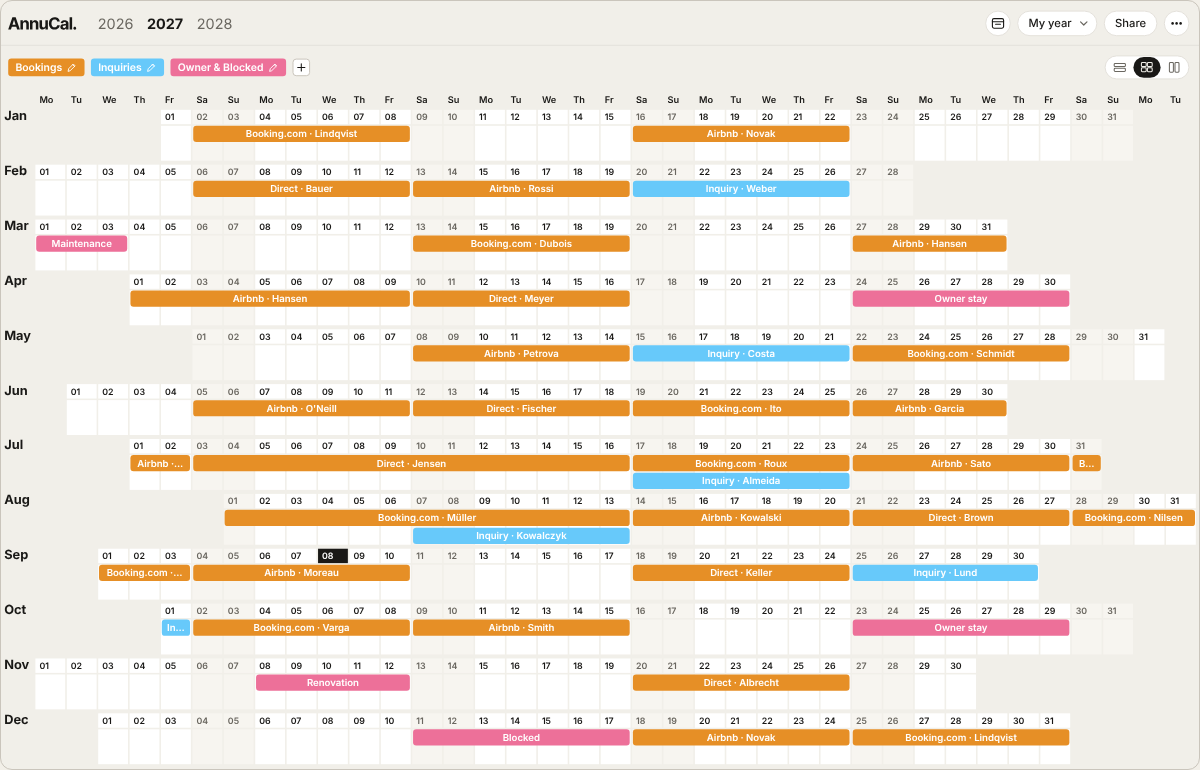
Many calendars are not yours to edit, but you can subscribe to them: the school, the club, the rental on Airbnb or Booking.com. Paste the link, and the calendar is a tab in your year that keeps itself up to date.
A flight or a hotel usually comes as a small calendar file in the confirmation email. Drag that file onto AnnuCal, and the stay is a bar from arrival to departure. How links and files work
Plan your year with Claude or ChatGPT
This is the connection that changes how a plan comes into being. You connect your own Claude or ChatGPT account to AnnuCal once. From then on the assistant can read your year and add to it.
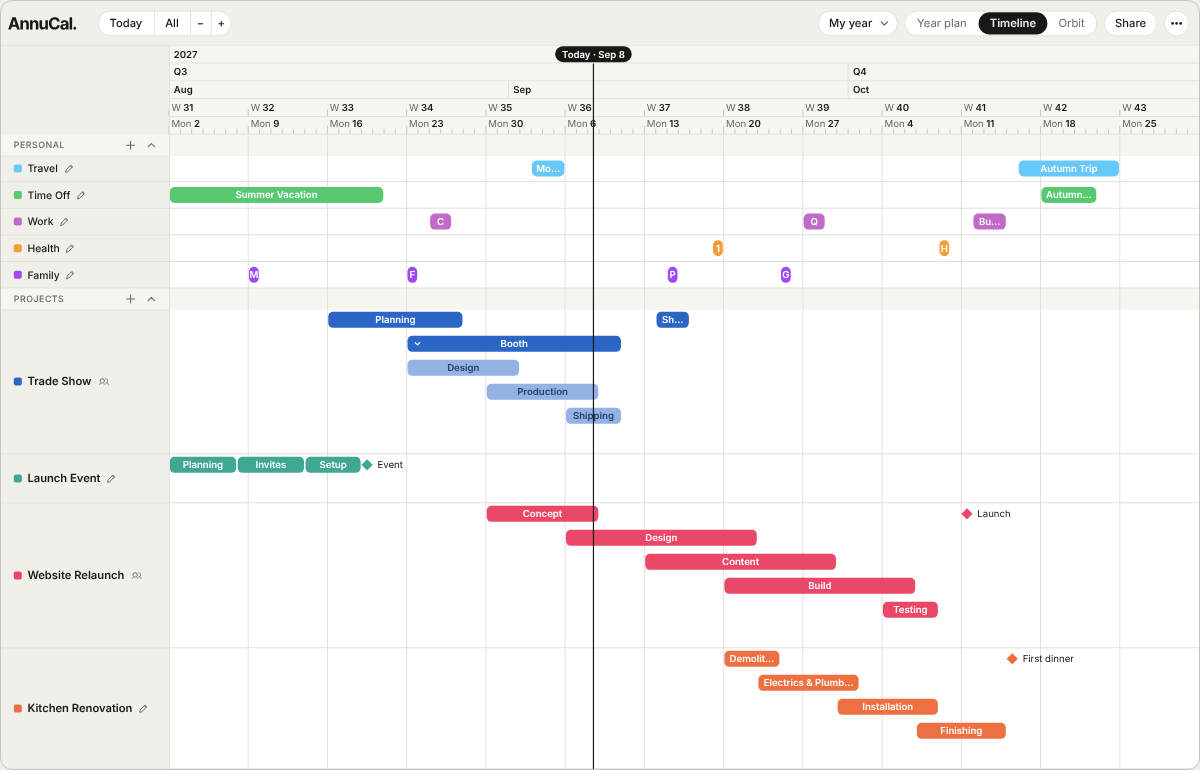
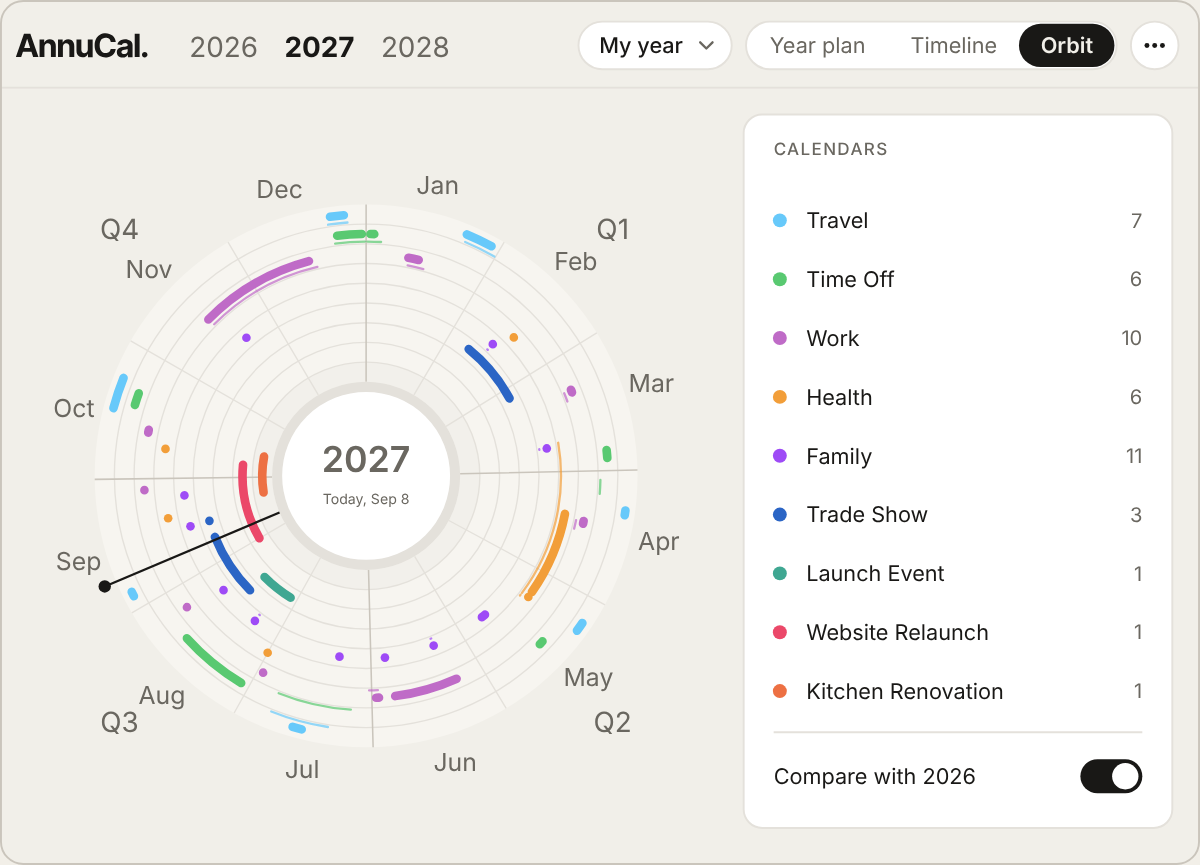
You plan a road trip in the chat, fifteen stops with driving days in between, and say: put it into my year. You ask what stands in the way of two weeks off in September. You paste the dates of a tour, a season or a semester and have them entered as bars. The result is in your year plan at once, on the Timeline and in Orbit too, and with Pro in your Google, Outlook or Apple calendar as well.
AnnuCal charges nothing for this. You use the assistant you already have. How to connect Claude or ChatGPT
n8n, Make and your own scripts
Dates are created in many places: a row in a spreadsheet, a page in Notion, a booking form. Automation brings them into your year without anyone copying them, and passes on what you plan in AnnuCal. For n8n, Make and your own scripts you create an API key in AnnuCal. How the API key works
What Free and Pro include
In Free, your Google, Outlook and Apple calendars appear in your year and stay up to date. Calendars by link, events from files, Claude, ChatGPT and automation are part of Free, too. Pro adds the way back: what you plan in AnnuCal is written to your Google, Outlook or Apple calendar. Every new account starts with 30 days of Pro, so both directions work from day one. The details are on the pricing page.
Frequently asked questions
Which calendars does AnnuCal connect to? Google Calendar, Outlook with personal and work accounts, and Apple iCloud. Any other calendar that offers a subscription link can be added by link.
Does the sync work in both directions? Yes, for Google Calendar, Outlook and Apple iCloud. Both directions are part of Pro; in Free, AnnuCal reads your calendars.
Do I need a paid plan to use Claude or ChatGPT with AnnuCal? Not at AnnuCal: AI and automation are part of Free. Claude works with its free plan, too. ChatGPT currently needs Pro, Business or Enterprise at OpenAI.
What can the assistant see? Your scenarios, calendars, events and projects in AnnuCal. Nothing else from your account, and you can disconnect it at any time.
Do I have to keep two calendars now? No. That is the point of the connections: one set of dates, visible as days in your calendar and as a year in AnnuCal.
Can I connect a private and a work account? Yes. You can connect several accounts of the same service and choose the calendars of each.
👉 See a year that fills from your calendars: try the demo - no sign-up needed.
Plan your whole year on one screen.
Open the demo and see how a year feels when you can see all of it. No account needed.
Try the demo - no sign-up